
Versatility, functionality, ease-of-use, and the page-flipping effect
Give your readers a remarkable reading experience
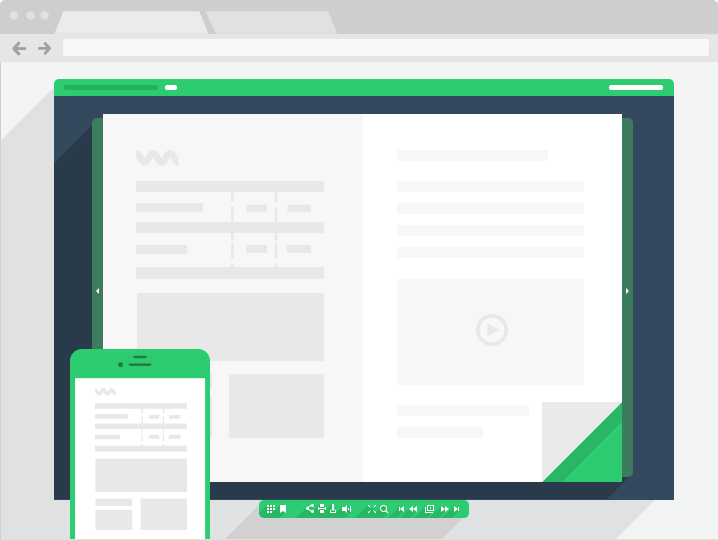
Main features:
-
Smooth and realistic page-flipping effectPubl.com provides a realistic page-flipping effect. Your readers will be charmed by the reading experience and fine design of your books, catalogs and newspapers made with Publ.com. Give them the best reading experience on any device - they will appreciate it.
-
Full text searchYour readers won't get lost in your book, even if it contains over 2000 pages. All your texts imported from PDF or MS Office will be searchable. This feature is especially useful for textbooks and encyclopedias.
-
Easy navigation / URL navigationPubl.com offers your readers multiple ways to navigate within publications. They can flip pages, type a page number in the special window or URL line, or even start a slideshow that will flip pages automatically.
-
ZoomingIf your magazine contains fine print or images with lots of detail, you can be sure that they will be seen. Your readers can examine your pages in-depth using the multi-level zoom feature.
-
SoundMake your publication even more attractive by adding sound to it. Add mood to your content with the sounds of nature, a melody you wrote or your corporate jingle. This will make your publication remarkable and worth sharing.
-
Download attachmentsHave something you want to share besides your publication? Maybe a document, image or something else? Just add it to the publication and your readers will be able to download it right from the brochure or presentation you send them.
-
Multi-language interface corpIs your business targeted at many countries? Don't worry that someone won't understand you. The publication interface is automatically translated to any of 11 languages (English, German, French, Italian, Spanish, Portuguese, Dutch, Swedish, Russian, Japanese and Simplified Chinese).
-
Fast page by page downloadStop wasting your readers' time on downloading the whole publication. With Publ.com they can start reading the beginning right away while the additional pages load in the background.
Extended features:
-
Hard coverFor added realism of your online digital book, you can enable the hardcover. This will give a genuine appearance to your electronic text.
-
Page thumbnailsPage thumbnails will simplify the navigation through your publication for your readers. Some of them are used to this way of navigating, so give them this option.
-
Table of contentsOne of the most useful features of a catalog, book or brochure is the Table of Contents. It can be automatically imported from PDF or created manually.
-
PrintYour audience can easily print your publication. You can also disable this option if you don't want your documents printed.
-
FullscreenElectronic presentations with the page-flipping effect are much more spectacular in full screen mode. You can use this feature with Publ.com.
-
SlideshowSome publications (like photo galleries) are best watched as a slideshow. With the sound enabled, this could be a great way to present your photos, paintings or other works.
-
BookmarksBookmarking feature allows your users to bookmark certain pages of your online documents and use them later.
-
Visible elements customizationYou can exclude some of the interface elements (like Sharing, Text Selection, Print or Sound) if you consider them unnecessary in your publication.
Rebecca:
I would recommend this product to anyone in need of creating online reading material of any sort! 
Beth Anderson:
We needed a way to publish a digital magazine, while still maintaining the premium magazine look and feel that our readers are used to.
Daniel la Gamba:
Before using your product, when I wanted to show information to my class (using a program like ActivInspire), moving from page to page was a tedious process. For instance, if I wanted to move from page 2 to page 9, I would have to press the “Next Page” button multiple times to get to the desired page. Also, if I wanted to enlarge a certain part of the page, I did not have a zoom function available. Your product has helped me to display information quickly using the Thumbnails option, especially if I want to move between pages that are not next to one another. The Zoom feature has also allowed me to enlarge any portion of a page easily.